Try the chat before installing
A test page with your real widget: write as a visitor and answer yourself from the Inbox — no code, no website needed.
Before you add the code to your site, see how the chat works: every workspace has a test page running your real widget — your colours, greeting and AI assistant.
Step 1. Open the test page
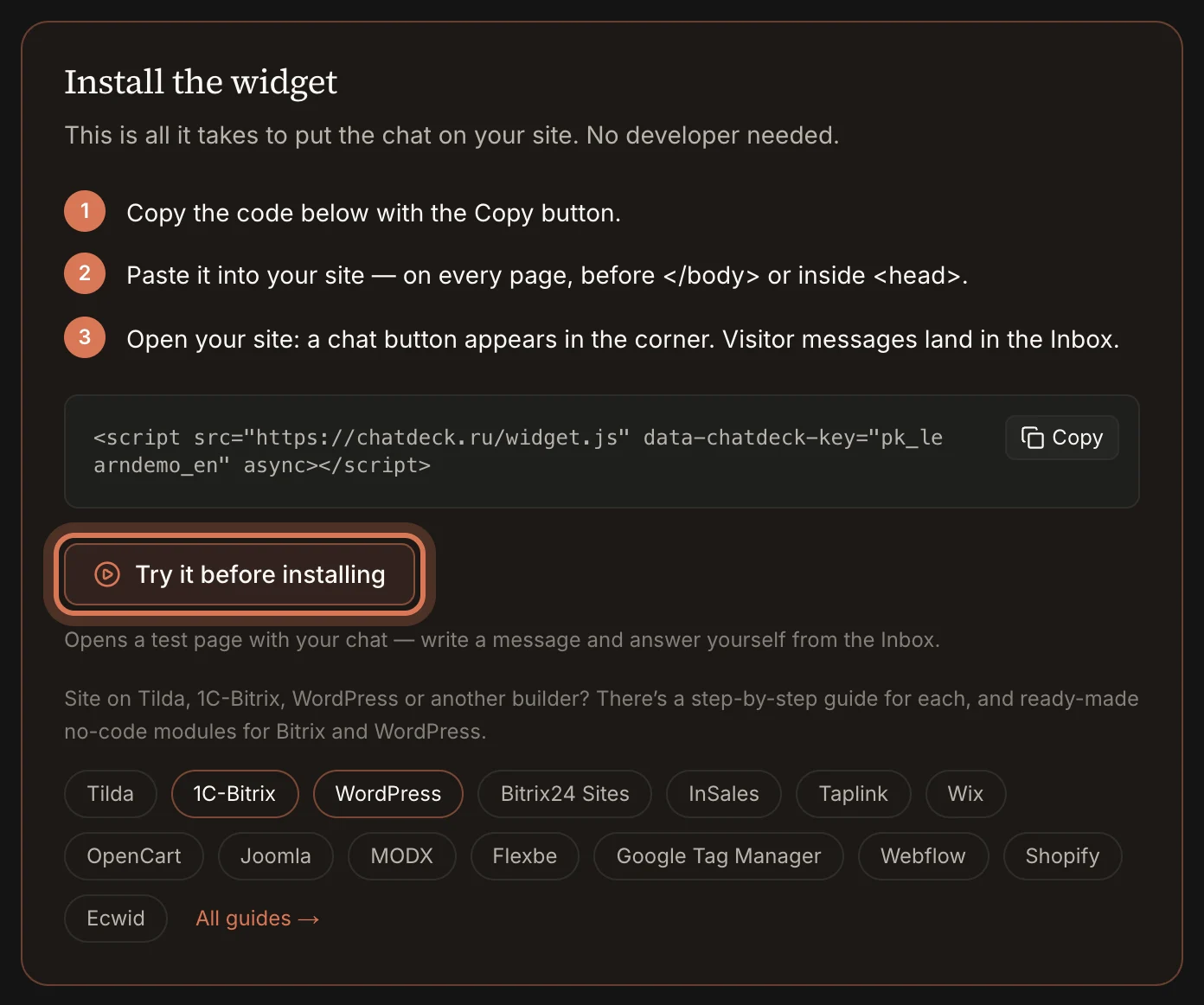
In Settings → Integration click “Try it before installing”. The same button is in an empty Inbox and on the Assistant page (“Test the bot live”).
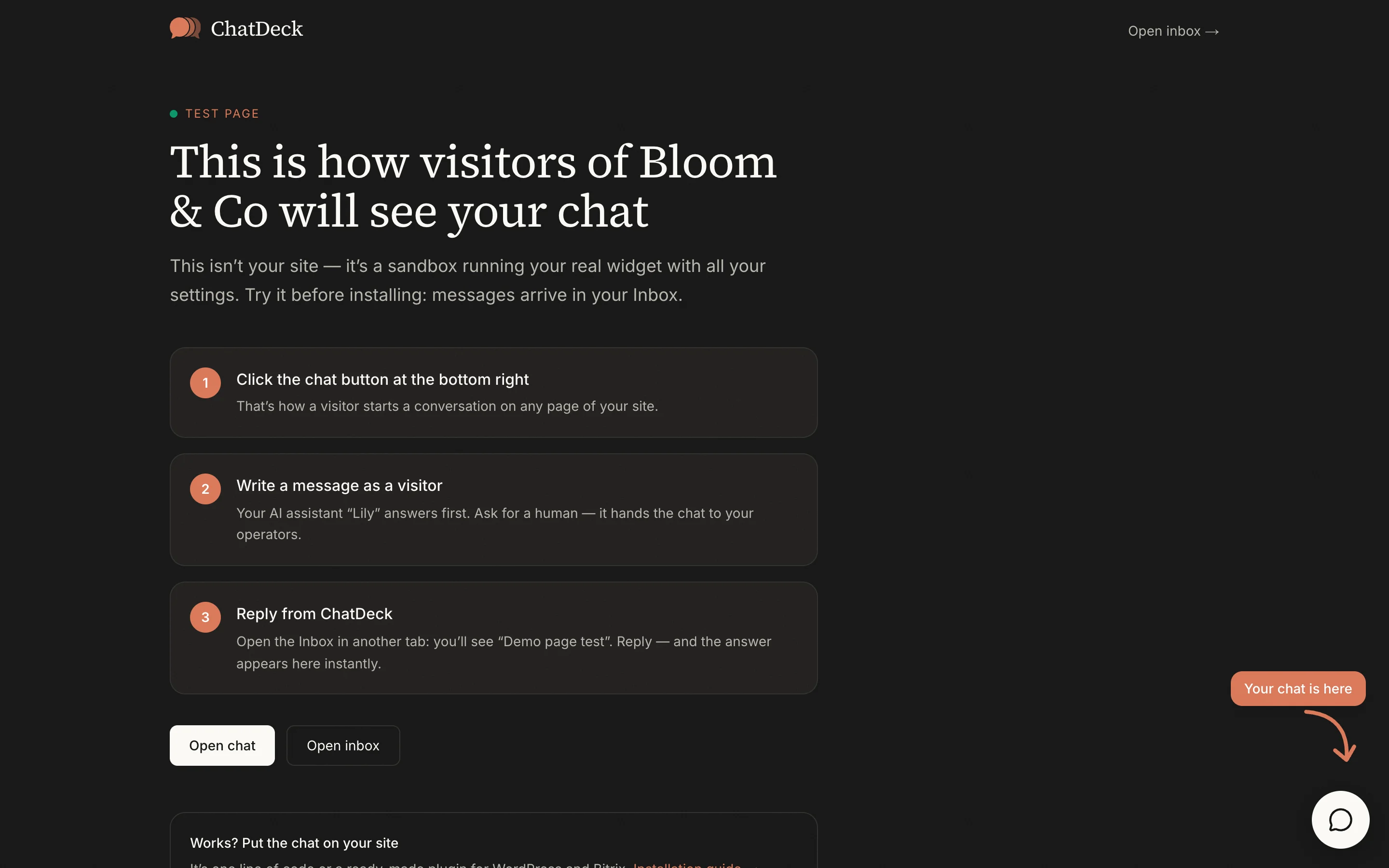
The page opens in a new tab. An arrow shows where the chat button is.
Step 2. Write as a visitor
Click the chat button in the corner and send a message — say, a question your customers often ask.
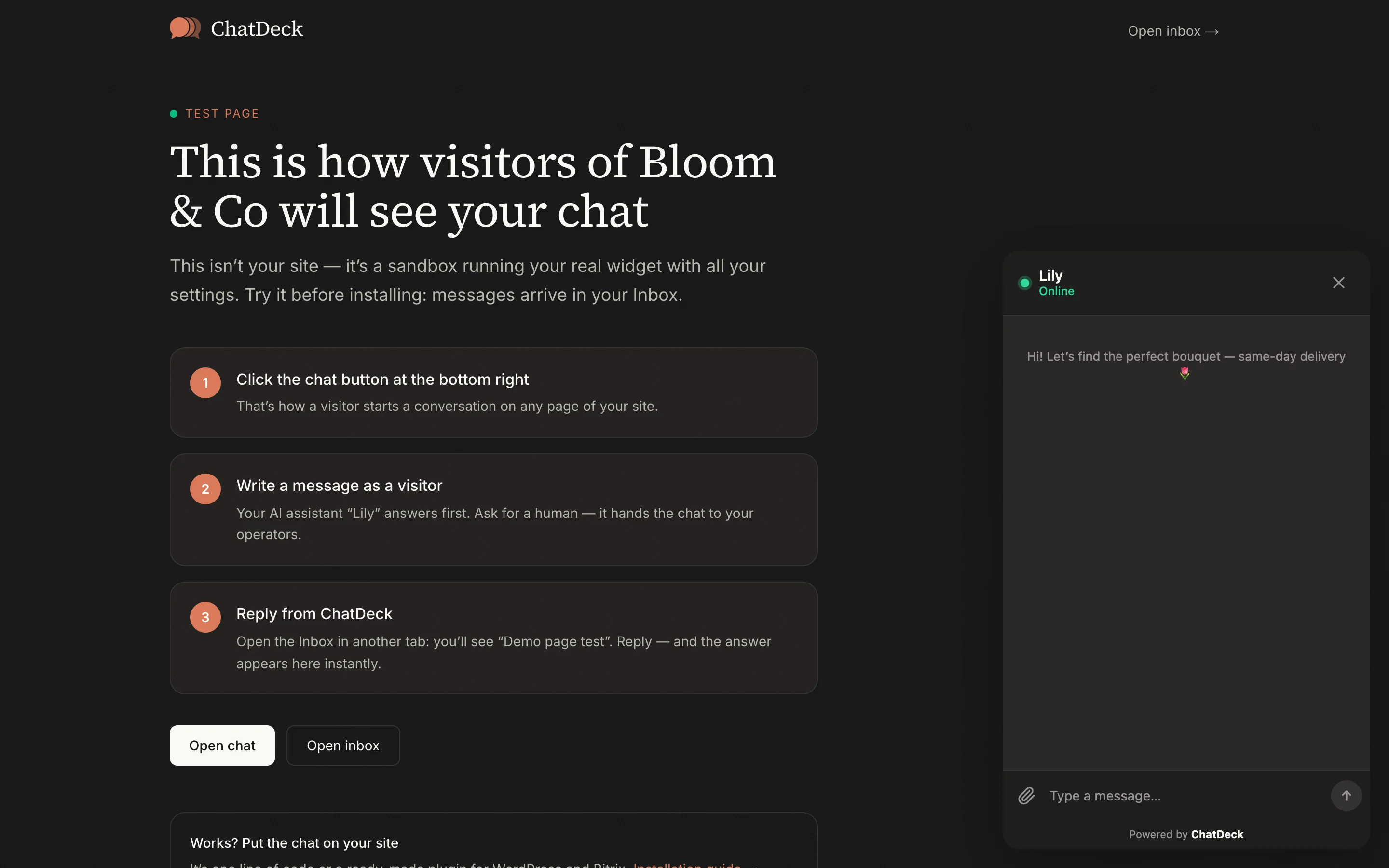
- If the AI assistant is on, it answers first. Ask for a human and it hands the chat to your operators.
- If the assistant is off, the message goes straight to your operators.
Step 3. Reply from the Inbox
Open the Inbox in another tab: you’ll see a conversation called “Demo page test”. Reply — your message appears on the test page instantly. That’s exactly what your customers will see.
Test messages are real conversations in your workspace. Close the conversation with “Resolve” when you’re done.
Works? Next: install the chat on your site.
Still have questions? Write to support@gptunnel.ru — we’ll help you get set up.